Decide in the room.Leave with the record.
Boardlytics runs your board’s whole cycle: papers, the live meeting, motions and votes, minutes and signatures. When the Chair closes the meeting, the decisions, the register and the actions already exist.
Built in Nigeria for boards, committees and regulated institutions.
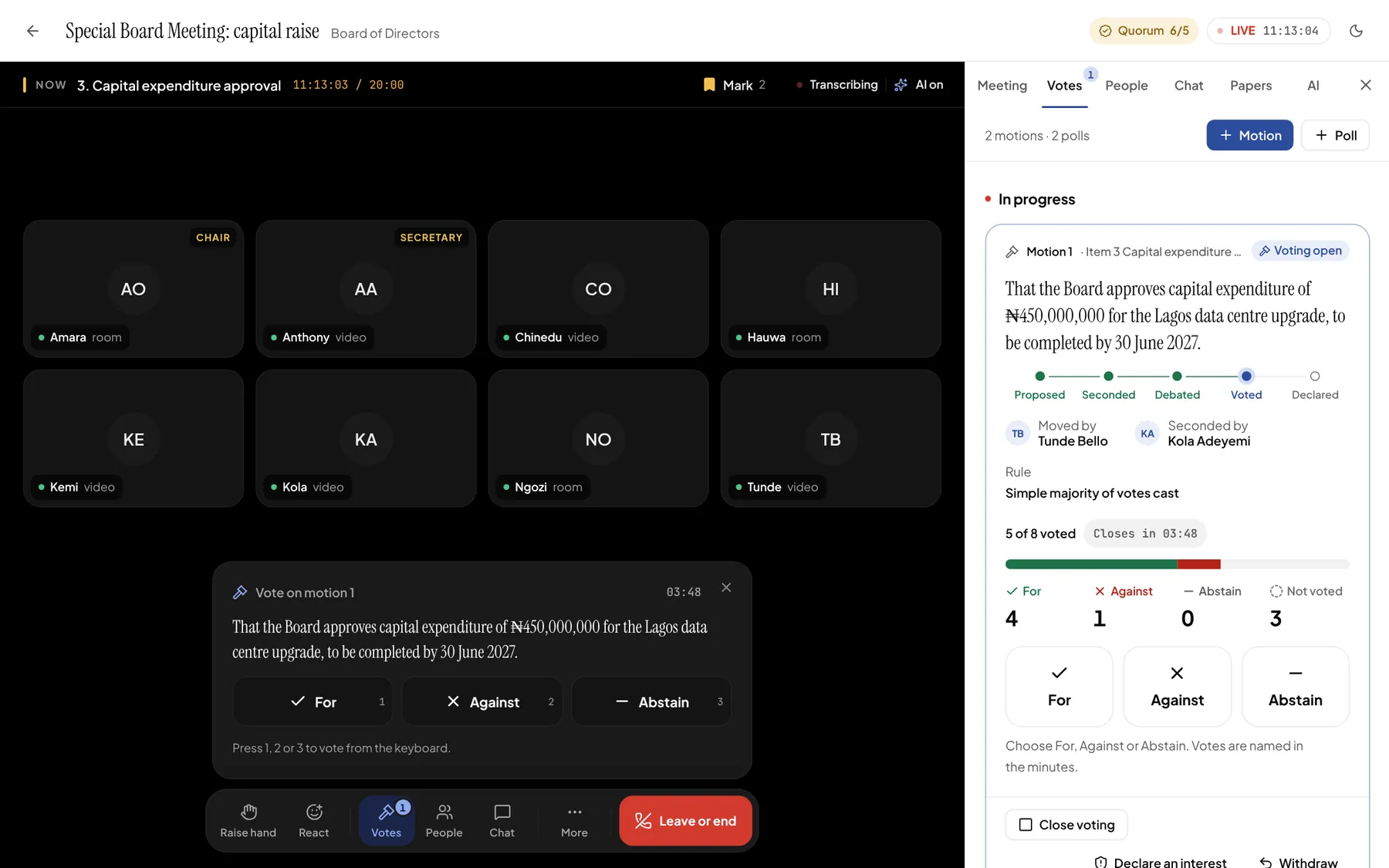
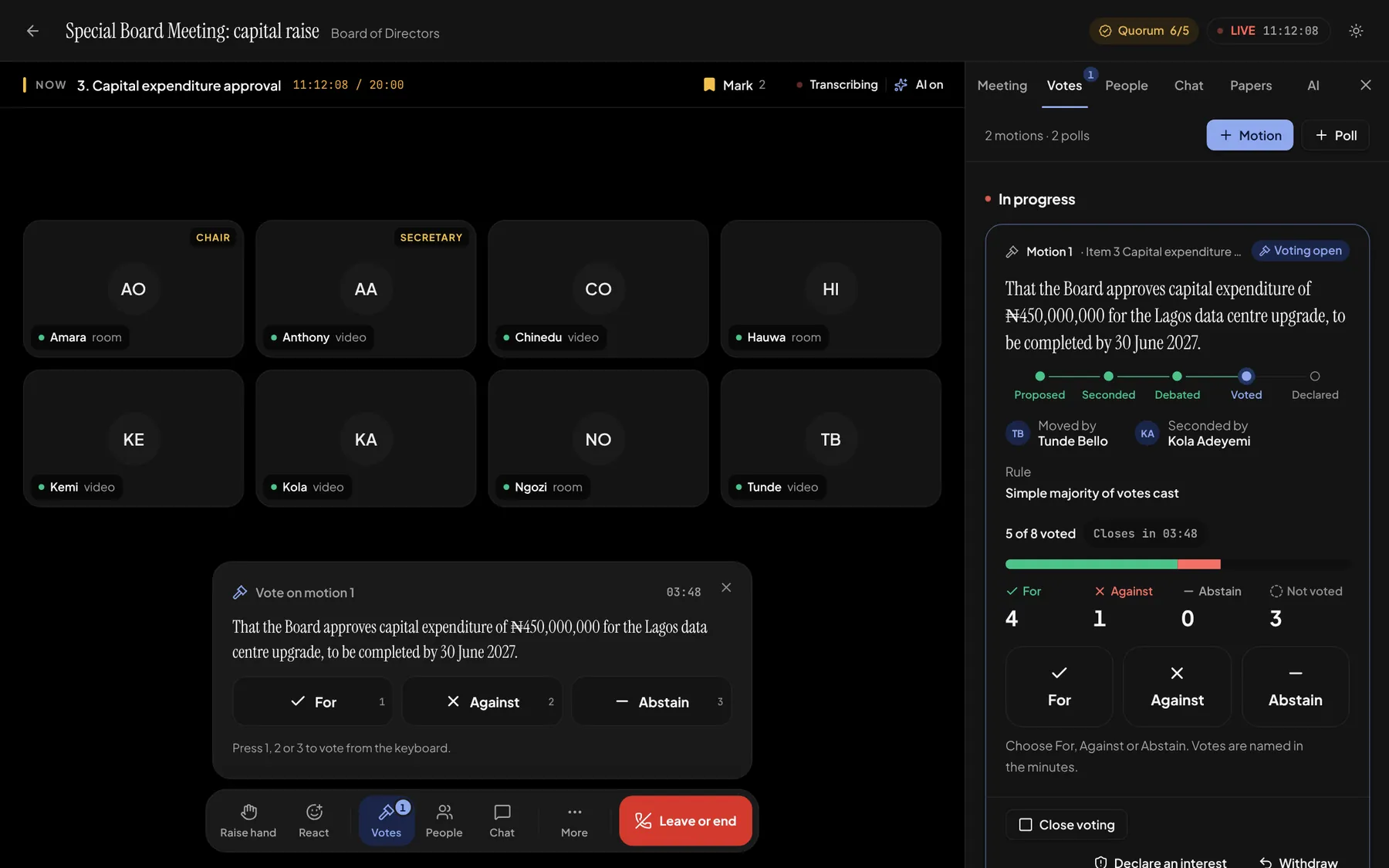
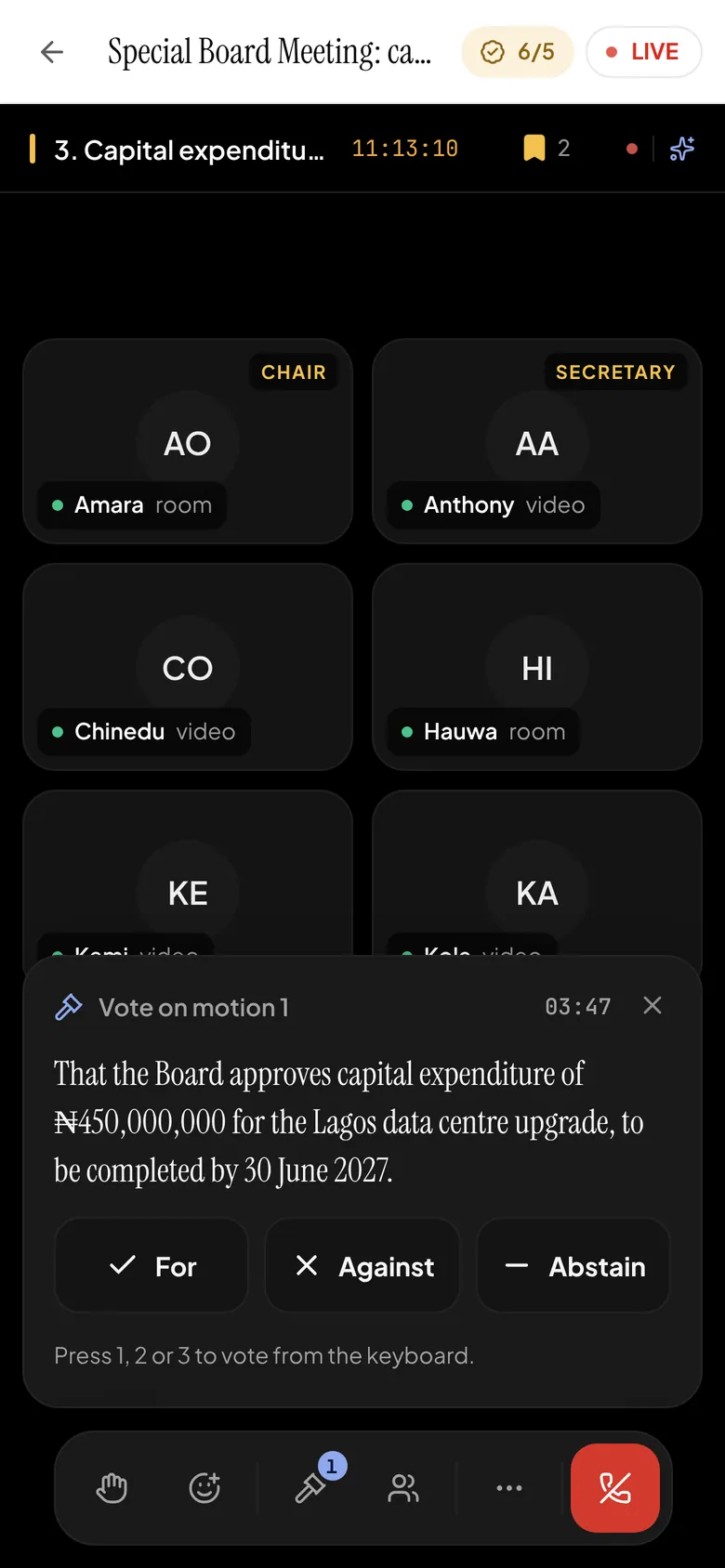
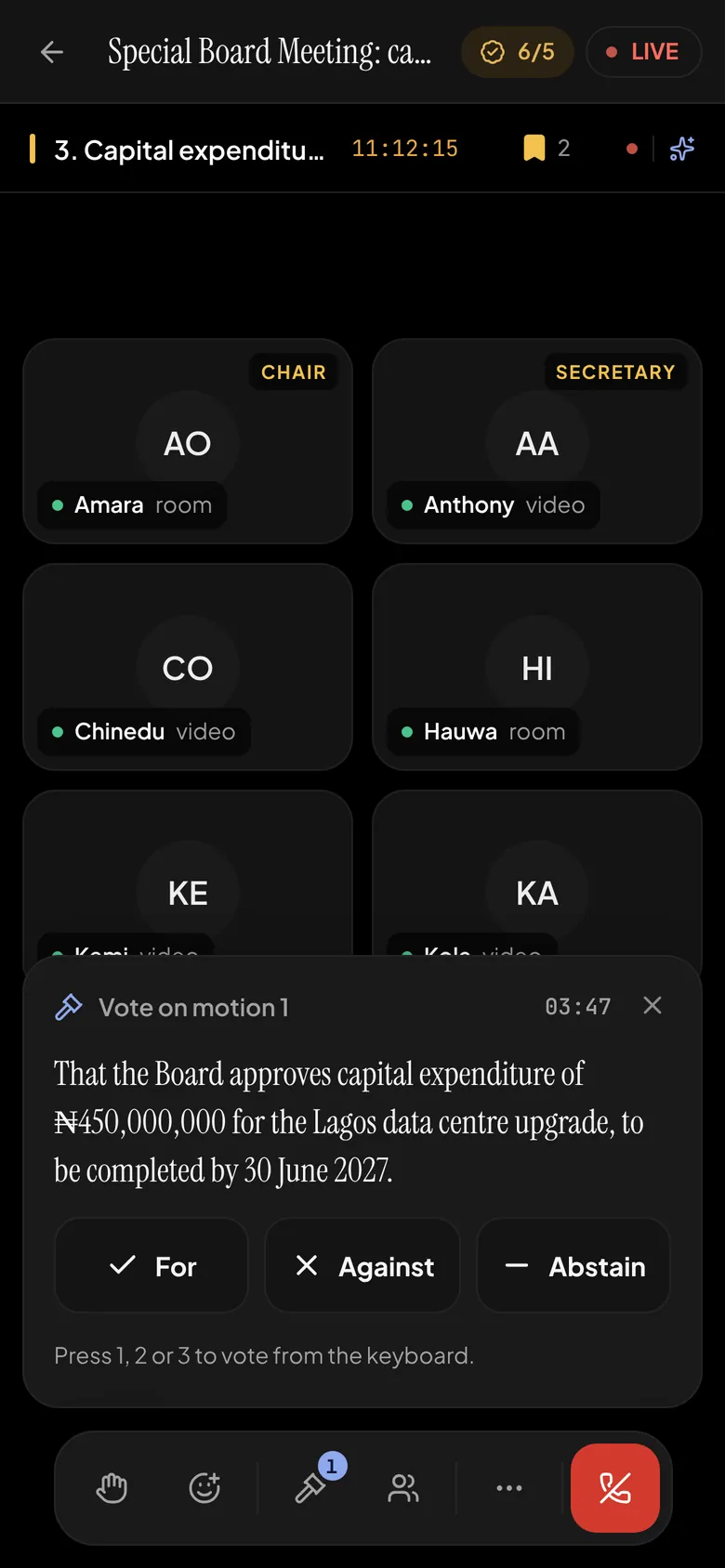
The live room on a demonstration board. Names and figures are illustrative.
One cycle, from the first paper to the last signature.
Boardlytics follows a decision from the paper that proposes it to the signature that confirms it, so nothing is retyped and nothing is lost between meetings.
Before the meeting
- Schedule the board and every committee, with the time zone on every time.
- Build the agenda, nested 1 → a → i, with each paper on the item it belongs to.
- Compile the board pack in one click.
- Invite guests by a link you can switch off or replace.
In the room
- Video and presence, with a Now strip for the item under discussion and its clock.
- A speaking queue the Chair calls from, plus chat and reactions.
- Motions, votes and live polls, with quorum checked as you go.
- A live transcript, attributed speaker by speaker.
After the meeting
- Minutes drafted from the record, then edited, approved and exported to PDF.
- A decisions register filled from every declared motion.
- Actions become tasks with an owner and a due date.
- Signatures, recordings and a search across every transcript.
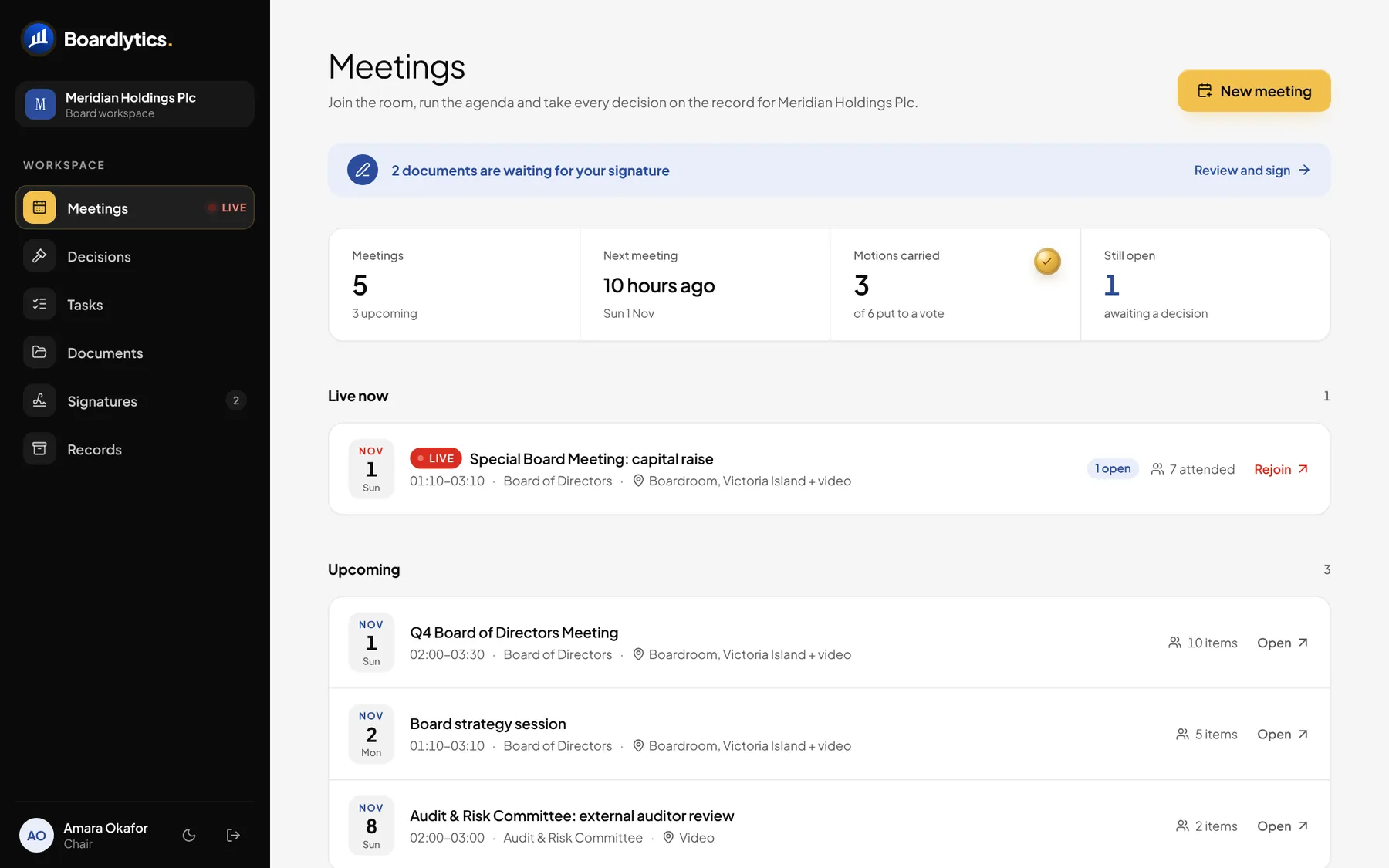
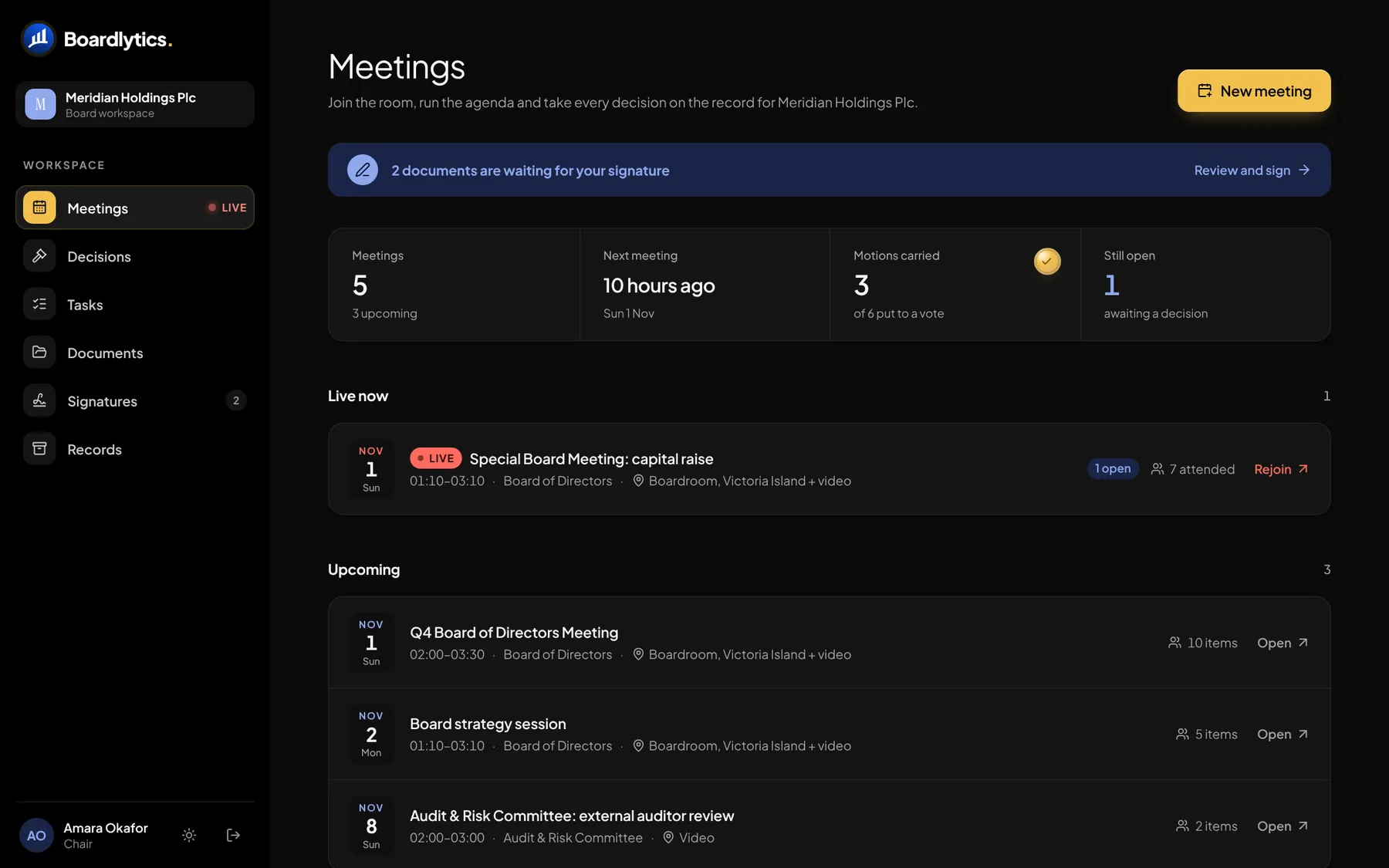
Meetings opens on what you need next: the meeting that’s live, the ones coming up, and anything waiting for your signature.
Motions run the way your articles say they should.
Proposed, seconded, debated, voted and declared on screen, with quorum, voting rules, recusals and the casting vote handled in the room, not reconstructed afterwards.
That the Board approves capital expenditure of ₦450,000,000 for the Lagos data centre upgrade, to be completed by 30 June 2027.
- Proposed
- Seconded
- Debated
- Voted
- Declared
Moved by
Tunde Bello
Drafted with the copilot from the discussion of item 3, then read and tabled by the mover.
1/5Proposed
A motion, in the words of record.
A director moves the motion in formal wording: “That the Board…”. The copilot can draft it from the discussion, but a person always reads it and tables it.
2/5Seconded
Seconded, or it lapses.
A seconding window opens for everyone in the room. If no one seconds in time, the motion lapses and the record says so.
3/5Debated
Order in the debate.
Directors raise a hand and the Chair calls the next speaker from the queue. Anyone with a conflict declares an interest and is recused from the vote, by name, on the record.
4/5Voted
Your rules, checked as you vote.
For, Against or Abstain, named or by secret ballot. Quorum is checked before voting opens and voting pauses if the meeting stops being quorate. Simple majority, two-thirds, or a majority of all voting members.
5/5Declared
The Chair declares. The seal goes down.
Carried or Defeated, with the Chair’s casting vote where your rules give one. The outcome, the tally and the wording go straight into the decisions register and the minutes.
AI that stays on the record, and in its place.
A live transcript, speaker by speaker. A copilot that answers from what was actually said. Minutes drafted from the record, with every decision linked to the words behind it. People decide; AI drafts.
- AO
Amara Okafor10:14
We move to item three, the capital expenditure request for the Lagos data centre.
- TB
Tunde Bello10:15
The request is four hundred and fifty million naira, phased over two financial years.
- KA
Kola Adeyemi10:17
My concern is the contingency. Ten per cent feels thin for a build of this size.
- HI
Hauwa Ibrahim10:18
Finance committee looked at that. We recommended fifteen per cent, held centrally.
- TB
Tunde Bello10:19
Management can accept fifteen per cent, reported quarterly to this board.
I’ve just joined. Where are we?
You’re on item 3, the capital expenditure request for the Lagos data centre. Tunde presented ₦450m over two financial years. Kola questioned the 10% contingency; the Finance Committee recommends 15%, held centrally, and management has accepted it.
No motion has been tabled yet. Quorum is met: 8 present, 5 required.
- Transcript 10:14
- Transcript 10:17–10:19
- Attendance
Answers come from this meeting’s transcript, agenda and roster, with the sources shown.
Announced before anyone joins
Every attendee sees whether the meeting is transcribed and whether AI analysis is on before they enter the room.
Hosts hold the switch
The Chair or Secretary can turn AI analysis off for everyone, at any point in the meeting.
It proposes; you approve
The copilot can draft a motion or mark attendance, but nothing happens until a person clicks Approve.
People write the minutes
The draft is a starting point. The Secretary edits every line, the Chair approves, and each version is kept.
Mark it while it’s said
Members can mark a transcript line, a chat message or a moment for the minutes. It waits beside the item it belongs to.
Your own AI key
Bring your organisation’s own AI provider key. It is encrypted at rest.
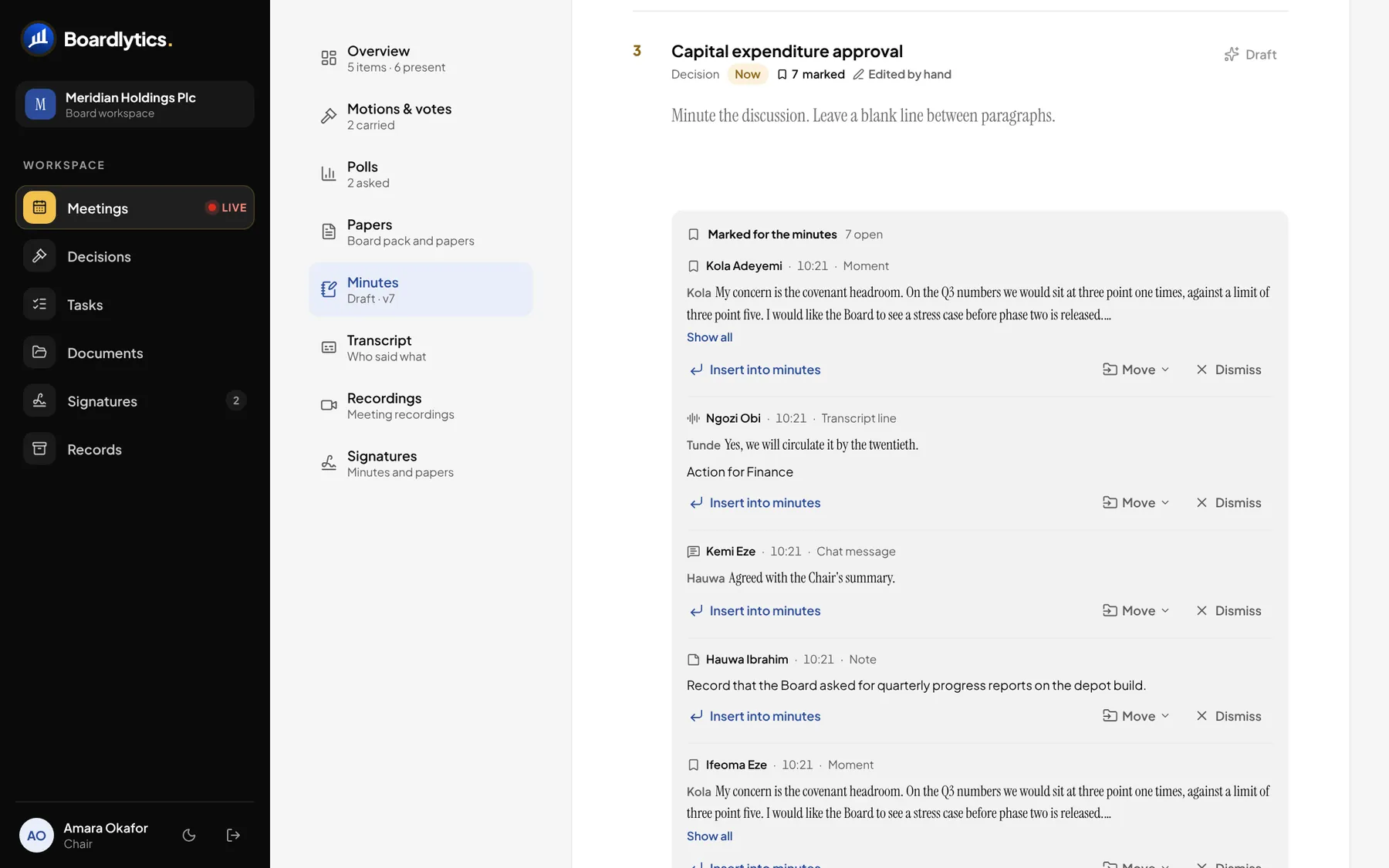
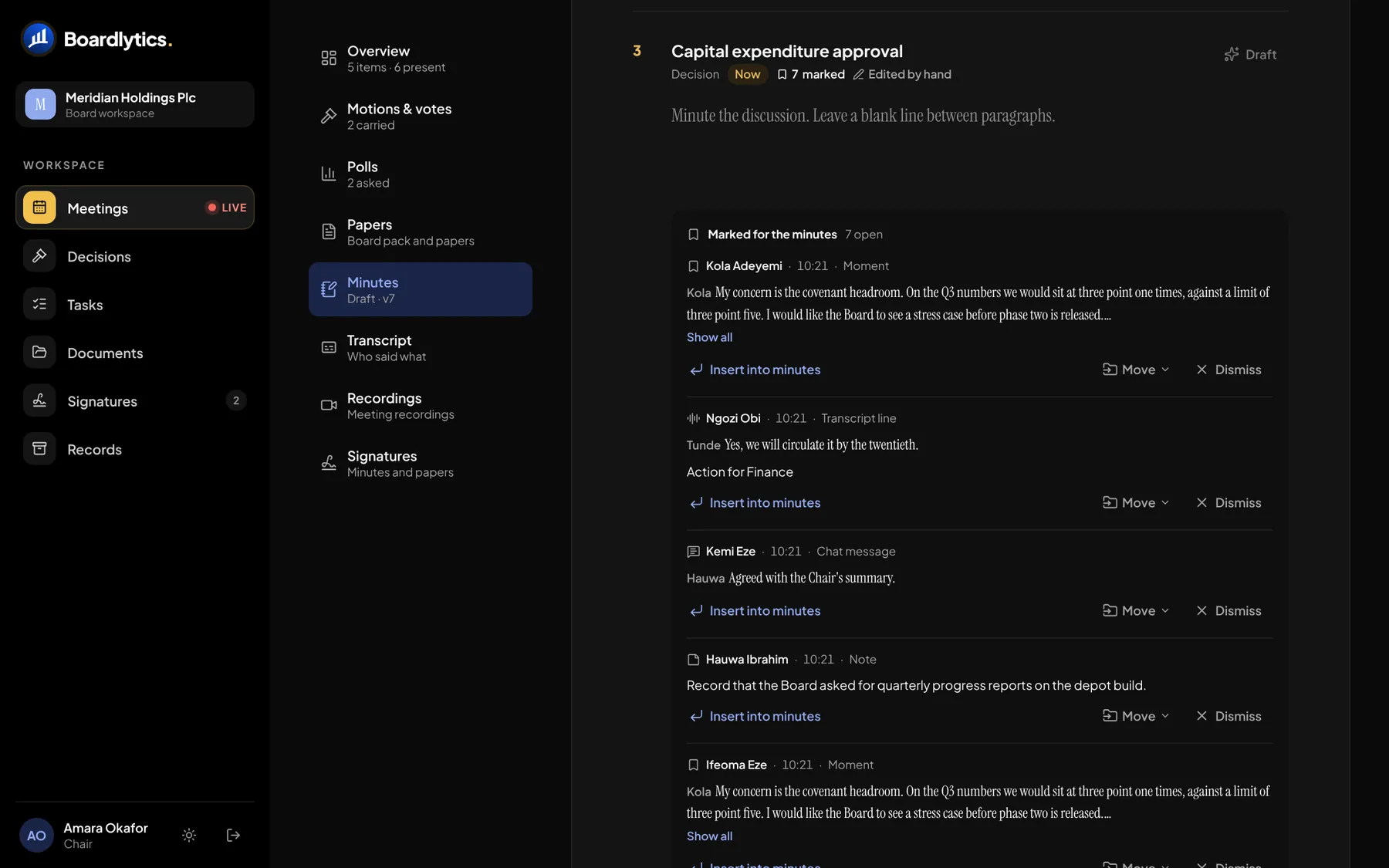
In the minutes editor, each mark waits beside its agenda item. The Secretary inserts it, moves it or dismisses it; nothing reaches the record without a click.
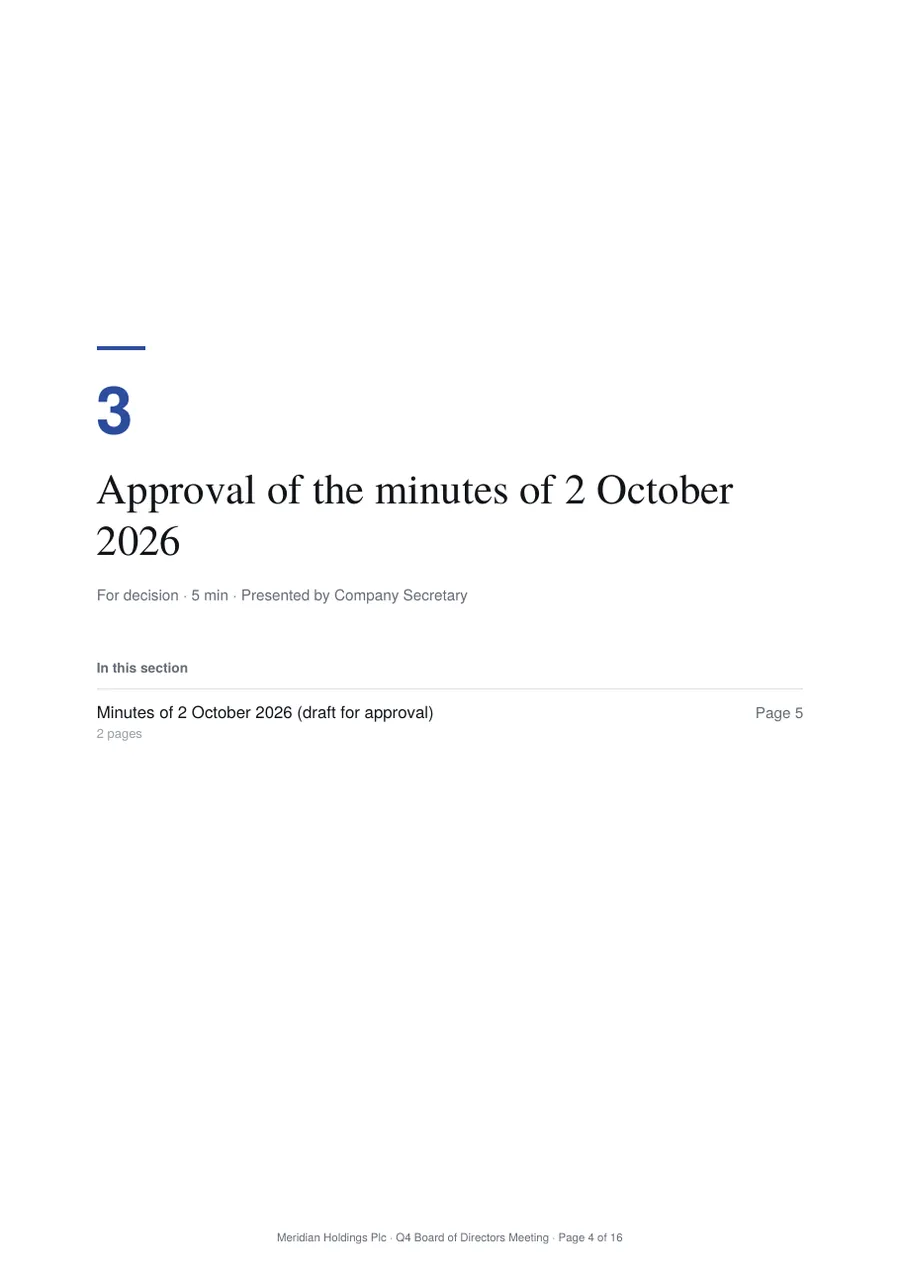
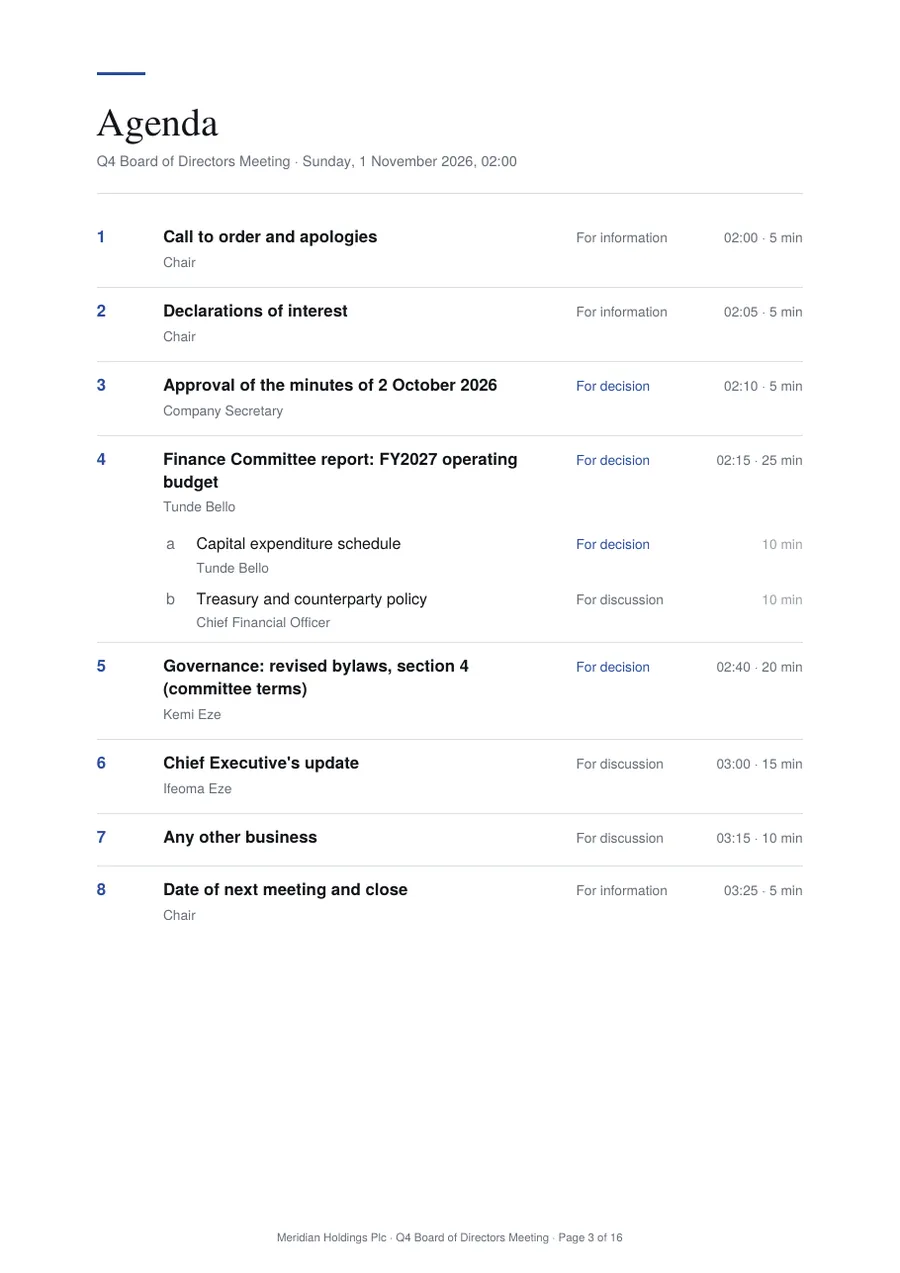
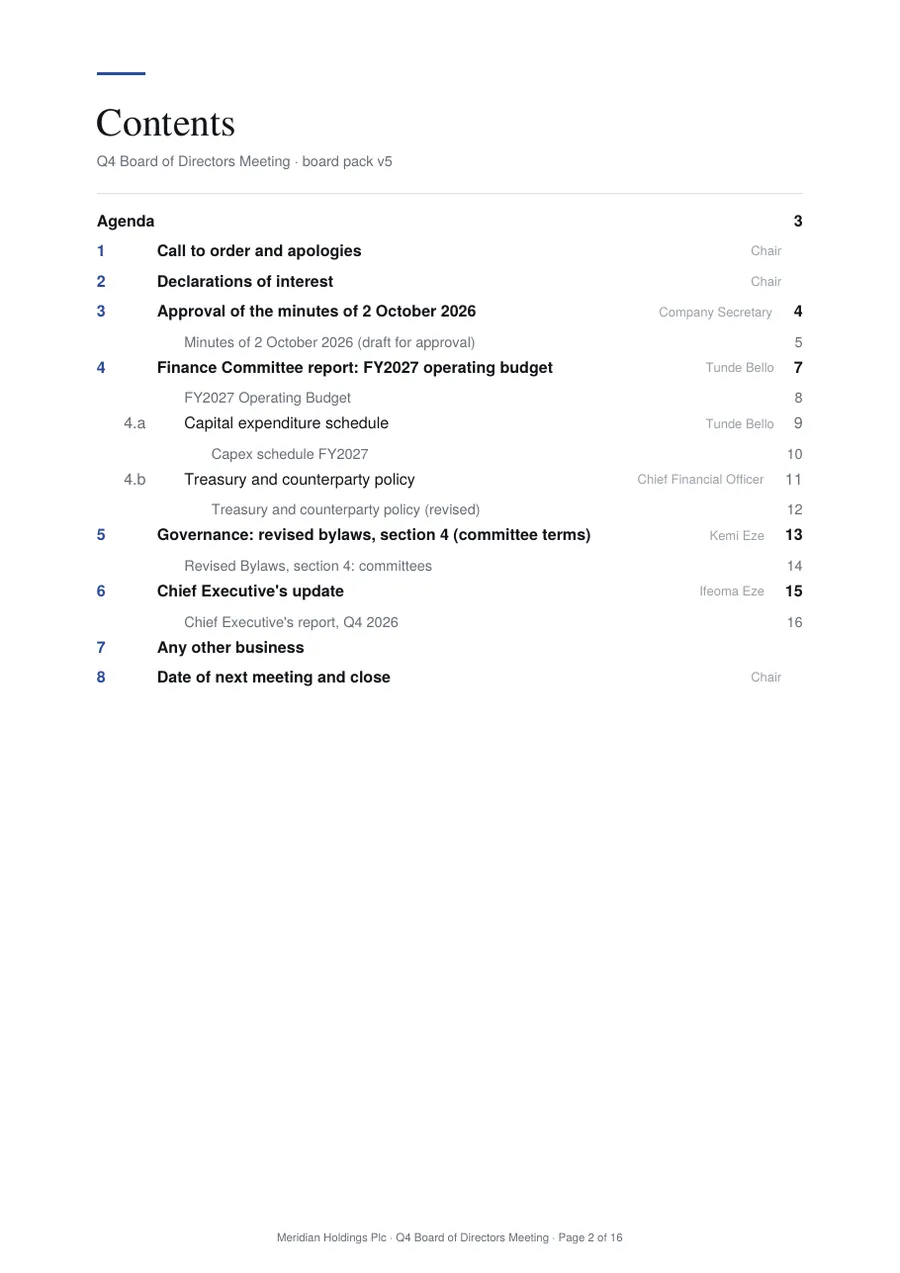
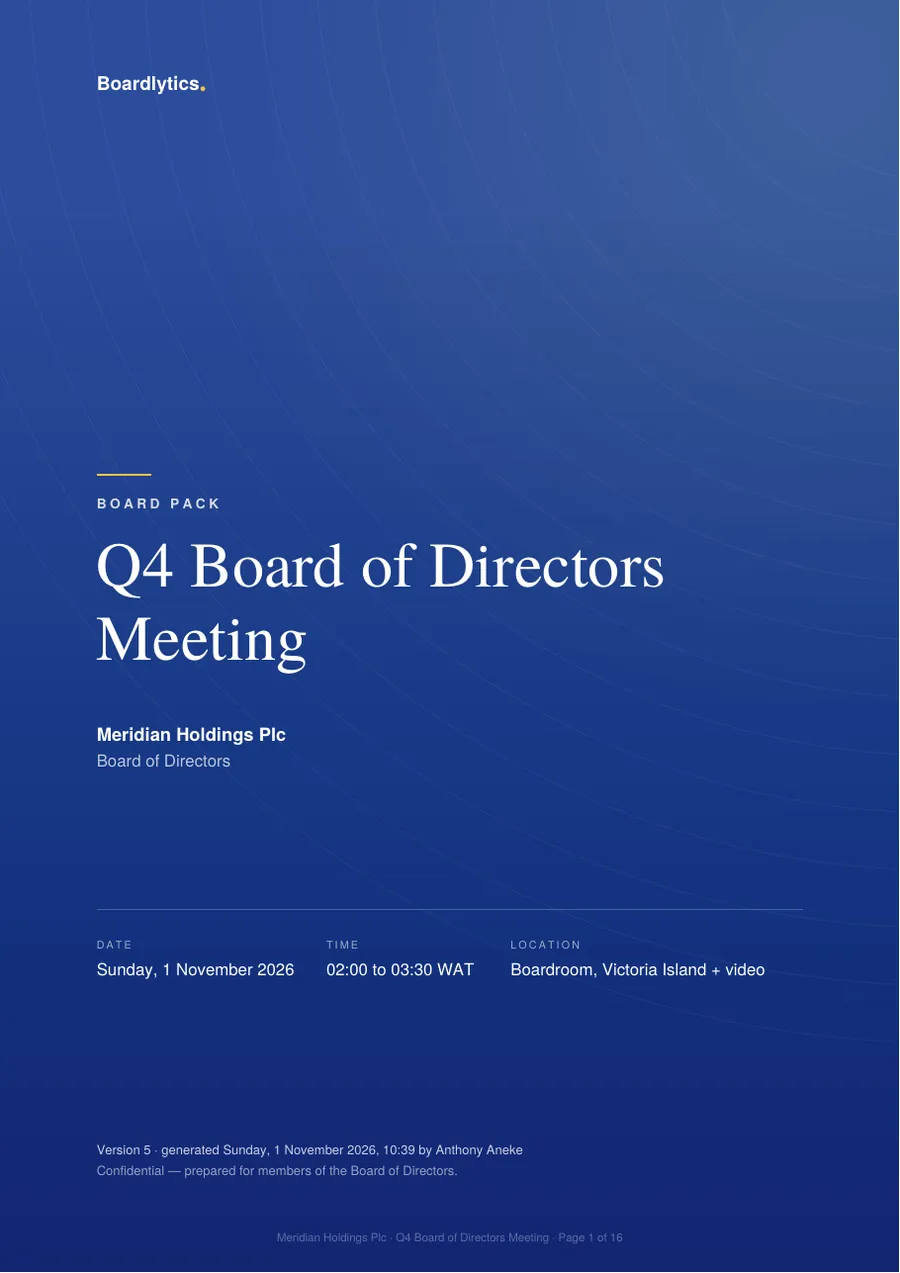
The board pack, compiled in one click.
Attach each paper to the agenda item it belongs to. Boardlytics compiles the cover, contents, agenda, a divider for every item and every paper into one A4 PDF, page-numbered, so the whole board reads the same page 12.
- Nested agendasItems numbered 1 → a → i, with presenters, timings and what each item is for.
- VersionedA late paper? Recompile. The cover states the version, when it was generated and by whom.
- Read togetherOpen papers in the room, annotate privately or for everyone, and present a page so the room follows you.
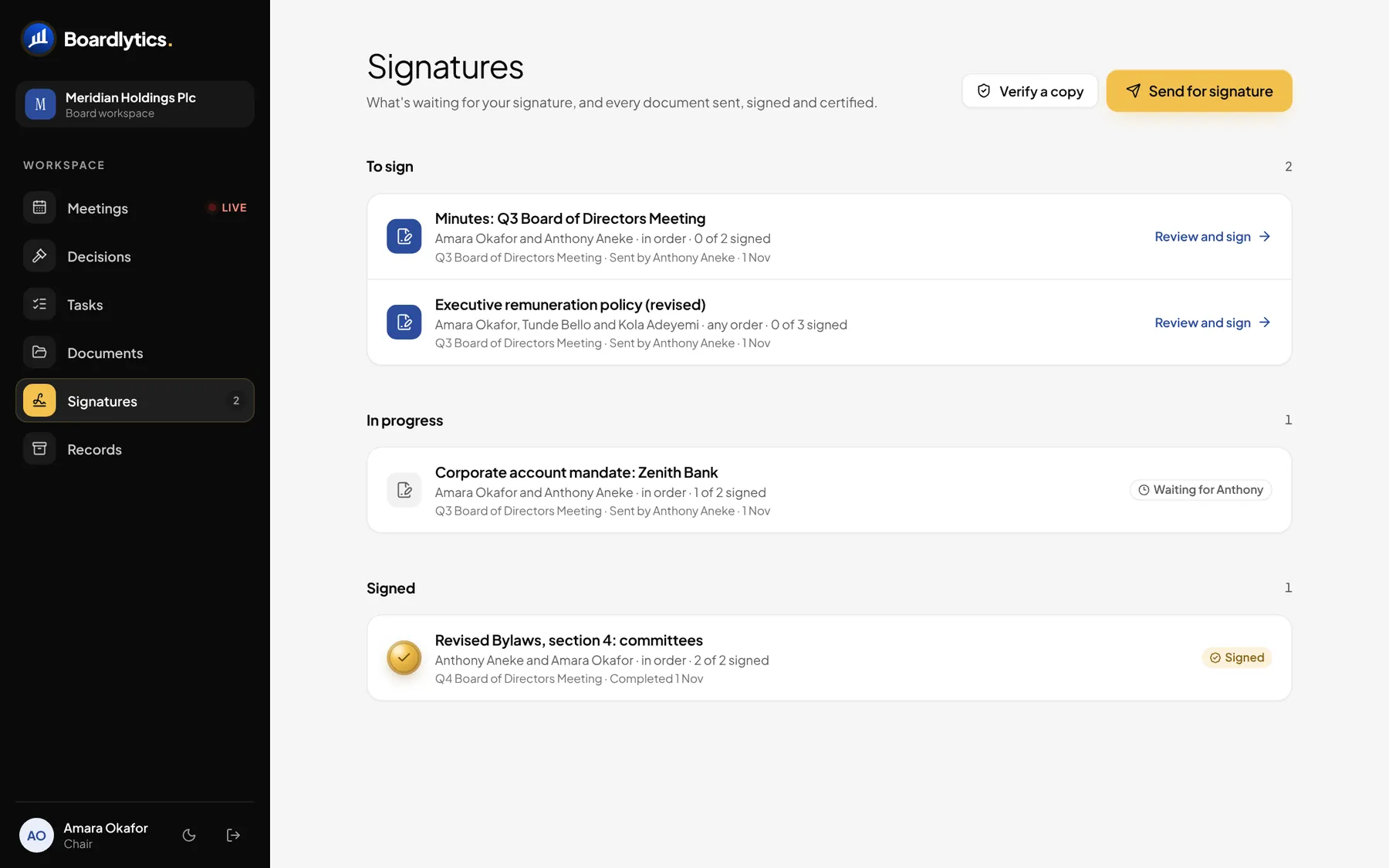
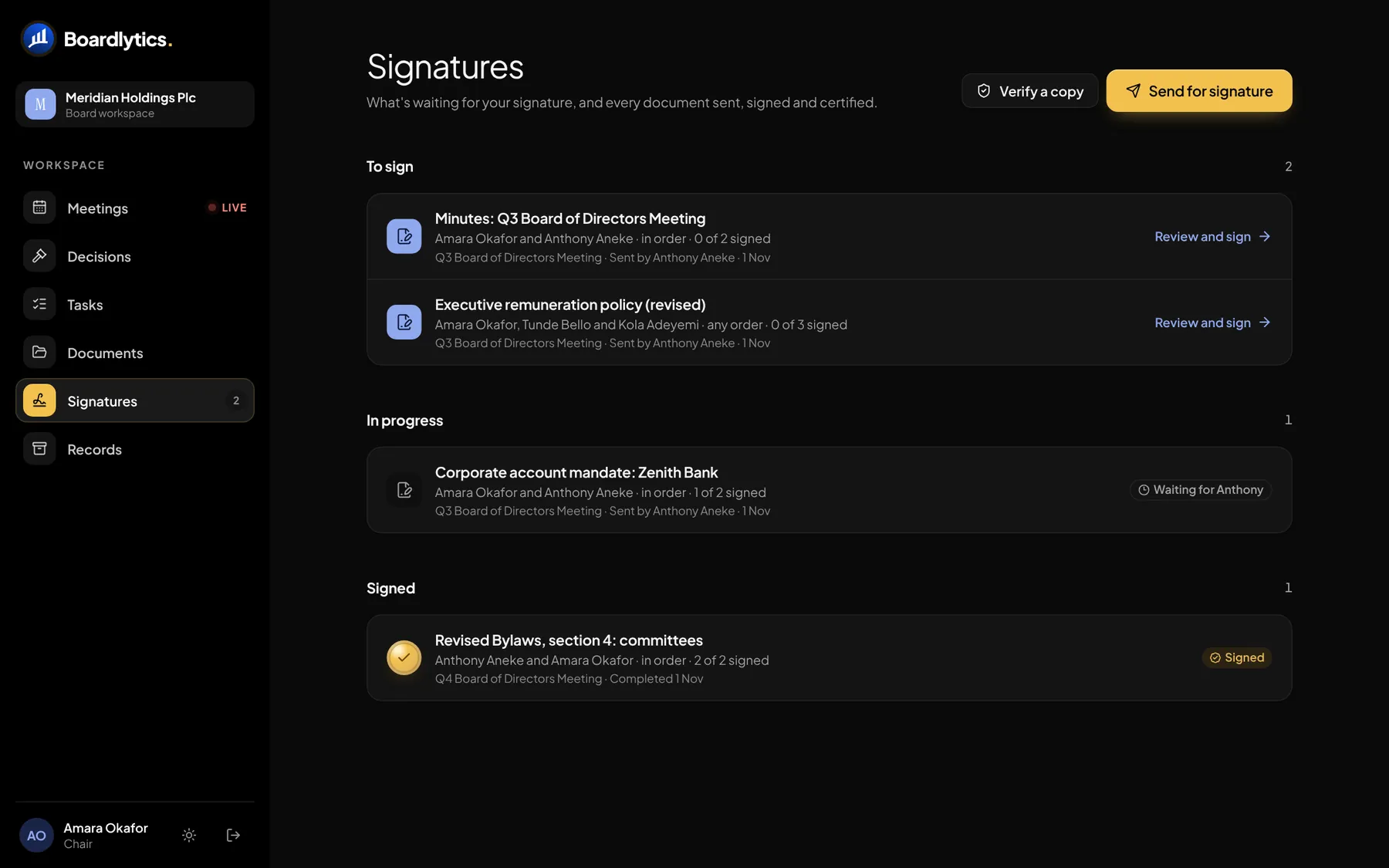
Signed, certified, and checkable by anyone.
Send the minutes, a resolution or any PDF for signature. Directors sign on any device, drawn or typed, in the order you set or in any order.
Verify a signed copy
Minutes, Q3 Board of Directors Meeting (signed).pdf
A certificate, not a scribble
The signed copy ends with a certificate of signature. The original file is never altered.
Tamper check
Drop any copy on Verify. It matches the issued copy byte for byte, or it doesn’t.
One inbox
Each director sees what is waiting for them, and the Secretary sees who is holding things up.
Control stays with the board.
Roles decide what each person sees and does. Hosts run the room: the Chair, the Secretary and organisation admins admit guests and open votes, and the Chair declares the result.
| Role | Join the meeting | Agenda and details | Papers and transcript | Vote |
|---|---|---|---|---|
| DirectorsVoting members of the board or committee | ||||
| ObserversIn attendance, such as the Chief Executive | ||||
| GuestsJoin one meeting by link, admitted from the lobby |
An audit trail
Motions, ballots, declarations and approvals are written to an audit log with who acted and when.
Scoped to your organisation
Every request is checked against the organisation and meeting it belongs to. People see the meetings of the bodies they sit on.
Secret ballots stay secret
In a secret ballot the room sees how many have voted, never who voted which way.
Links you control
A guest link can be switched off or replaced, which retires the old one at once. Every join to the call issues a fresh secure token.
AI on your terms
Use your own AI provider key, encrypted at rest, and switch AI analysis off for a meeting with one control.
Your organisation’s identity
Your logo, brand colour and legal name, so the workspace reads as your board’s own.
Motion, proposed by you